
-
Max sales consultant
-
Email: max@seeingdisplay.com
-
Phone/WhatsApp: +86 18126239328

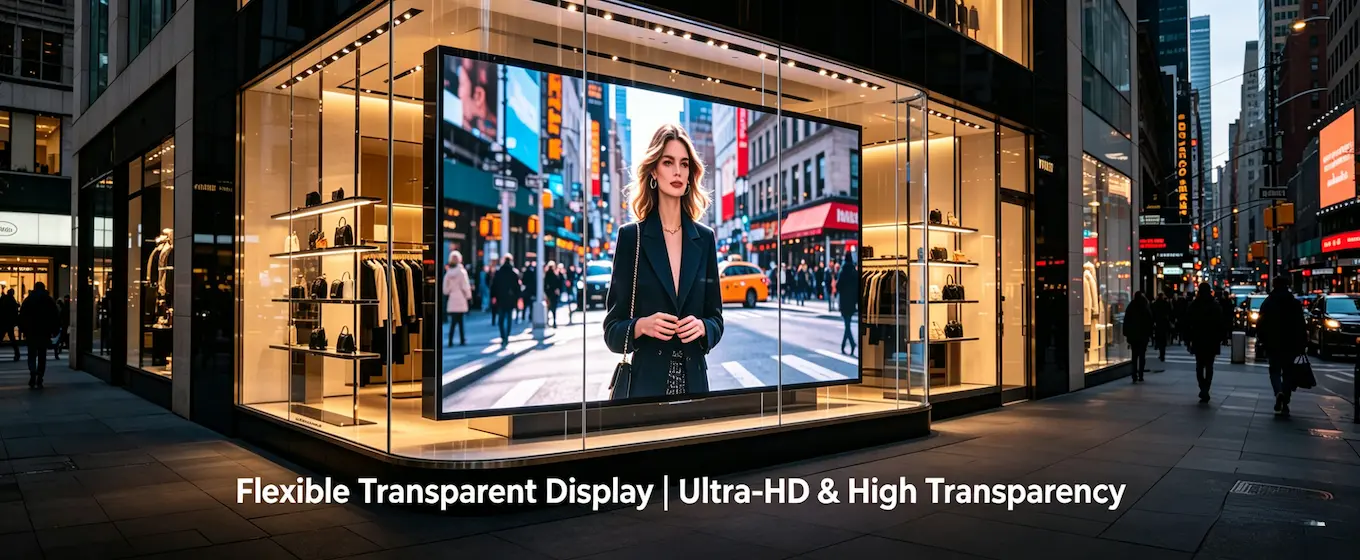
The Ultimate Guide to Cleaning and Maintaining LED Crystal Film Screens: Don’t Use Alcohol—Here’s the Right Way
Many people have installed LED crystal film screens but don’t know how to clean them. Today, we’ll explain everything clearly.
1. Why Is Cleaning Important?
LED crystal film screens are mounted on glass and are constantly exposed to the air. Dust, grease, and fingerprints can make the screen look hazy, affecting its transparency and display quality. More seriously, dirt can hinder heat dissipation, accelerating the aging of the LED chips. Regular cleaning can extend the screen’s lifespan by over 30%.
2. What Tools Do You Need?
You’ll need:
A lint-free cloth (microfiber, like the kind used for cleaning glasses)
Soft-bristle brush (a clean makeup brush works too)
Distilled water (or specialized LED cleaner)
Air blower (the kind used to clean camera lenses)
Never use:
Paper towels, toilet paper (leaves lint, causes scratches)
Alcohol, dish soap (corrodes the surface)
Scouring pads, steel wool (causes scratches)
3. Cleaning Steps (Six Steps to Complete)
Step 1: Unplug the Power
Unplug the power cord—safety first.
Step 2: Dust Off
Gently brush away dust from the screen surface with a soft-bristled brush. Do not apply excessive force to avoid scratching the screen.
Step 3: Damp Cloth
Dampen a lint-free cloth with purified water, then wring it out until it no longer drips. Note: Do not spray water directly onto the screen.
Step 4: Wipe
Starting from the top-left corner of the screen, wipe gently in a single direction—from top to bottom and from left to right. Do not wipe back and forth or in circles.
Step 5: Drying
Use another dry, lint-free cloth to gently wipe away moisture in the same one-directional motion. Then let it air dry naturally for 10 minutes.
Step 6: Check
After turning on the power, display solid-color screens (red, green, blue, white) to check for any unlit pixels.
4. Monthly Maintenance
In addition to cleaning, we recommend performing the following tasks once a month:
Check the adhesive backing: Press down on the edges of the screen with your fingers to see if the adhesive is peeling up. If it is, apply 3M adhesive to secure it.
Check the cables: Check the power and signal cables for loose connections and plug them back in securely.
Check ventilation: Touch the power supply unit; if it feels very hot, clean the dust or improve ventilation.
Check for dead pixels: Display a white screen to see if any LED pixels are not lighting up.
Shenzhen Ruipu Innovation Technology Co., Ltd. provides free repairs for dead pixel issues within the warranty period of its Crystal Film screens.
5. Things You Must Never Do
❌ Wipe with alcohol → Corrodes the adhesive layer, causing LEDs to fall off
❌ Rinse with a high-pressure water gun → Water ingress causes short circuits
❌ Clean while powered on → Dangerous
❌ Removing dust with tape → May pull the LEDs off
6. Frequently Asked Questions
Q: How do I remove tape residue from the screen?
A: Dip a lint-free cloth in a small amount of neutral dish soap (diluted 1:10 with water) and wipe gently. After wiping, wipe again with a cloth dampened with clean water. Do not scrape vigorously.
Q: How often should I clean it?
A: Once a month in normal environments. In dusty areas (such as roadside stores), clean once a week.
Q: What should I do if dead pixels appear after cleaning?
A: Immediately disconnect the power and check for water ingress. If no water has entered, contact the manufacturer for repairs.
7. Summary
Cleaning a crystal film screen is not difficult; the key is using the right tools and methods. Spend 10 minutes a month, and your screen will look brand new all year round. If you encounter a problem you cannot resolve on your own, contact the professionals at Shenzhen Xinying Technology Co., Ltd. for assistance; do not attempt to disassemble the screen yourself.
(This information is for reference only; please refer to the product manual for details.)
High Quality
Stable performance, reliable design, ensuring smooth visual display and long-term stable operation for global application scenarios.
Fast Delivery
Timely delivery to support your urgent orders and LED display project schedules efficiently and professionally at any time.
Best Warranty
Professional Warranty: Reliable after-sales support for stable LED display operation and long-term customer satisfaction.